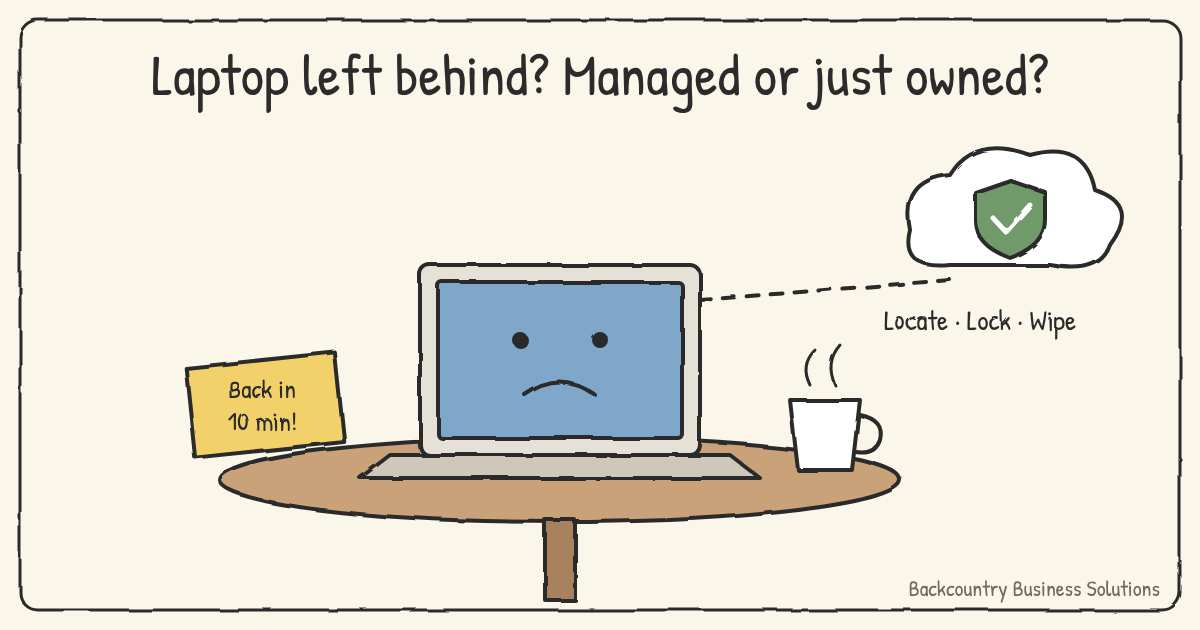
Picture it: a staff member leaves a work laptop at a coffee shop, in a rental car, or on a plane. What happens next?
If the answer is “we hope nobody opens it,” that laptop is owned but not managed. For small businesses and nonprofits, the difference matters more than ever, because laptops hold email, client files, donor records, and saved passwords.
What “managed” means
A managed device is enrolled in a central system that lets you set rules and take action from anywhere. If you already use Microsoft 365, the tools to do this are often already in your subscription. You may just not be using them yet.
- Encryption: the drive is unreadable without the user’s sign-in, so a lost laptop doesn’t mean lost data.
- Remote lock and wipe: if a device is lost or stolen, you can lock it or erase company data from your desk.
- Consistent settings: updates, security settings, and required apps are applied automatically instead of laptop by laptop.
- Clean handoffs: when someone leaves, their access is removed and the laptop can be reset and reassigned quickly.
Watch the licensing details
Not every Microsoft 365 plan includes full device management, and the differences between plans aren’t always obvious. We recently helped a nonprofit client set up management for their Windows 11 laptops inside their existing Microsoft 365 environment, and a good part of the work was matching the setup to what their licenses actually included. Nonprofits in particular may qualify for discounted plans that change what’s available.
Start small
You don’t need to do everything at once. A sensible first step is making sure every laptop is encrypted, signs in with a work account, and gets updates automatically. Remote wipe and app policies can follow.
A quick self-check
- Do you have a current list of every laptop and who has it?
- Are they all encrypted?
- If one disappeared today, what could you do about it?
Backcountry Business Solutions provides managed IT for small businesses and nonprofits across Central Idaho, with discounted rates for nonprofits. If you’d like a second set of eyes on any of this, give us a call.
Related service: Network & Device Management