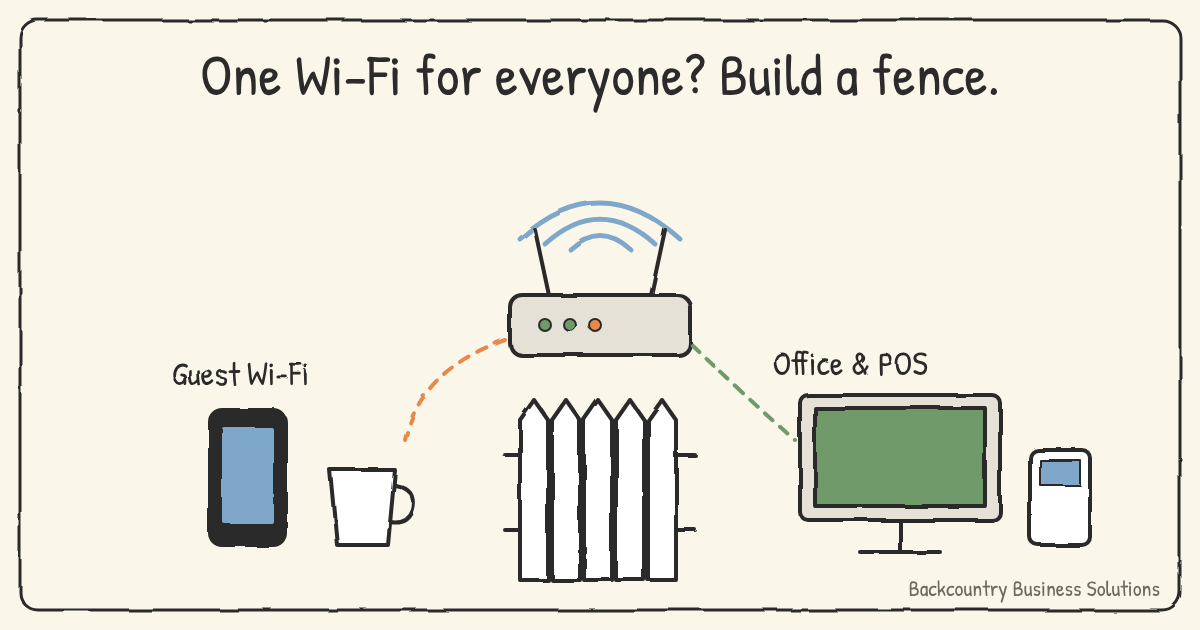
Free Wi-Fi is a nice touch for customers, guests, and visitors. But in a lot of small businesses, churches, and nonprofits, the guest Wi-Fi and the office network are the same network. That means a visitor’s phone sits right next to your office computers, your printer, your security cameras, and sometimes your card reader.
Why that’s a problem
Most guests are harmless. But you don’t control their devices, and you don’t know what’s on them. When everyone shares one network, a single infected phone or curious visitor can see, and sometimes reach, the equipment your business depends on.
The fix: put up a fence
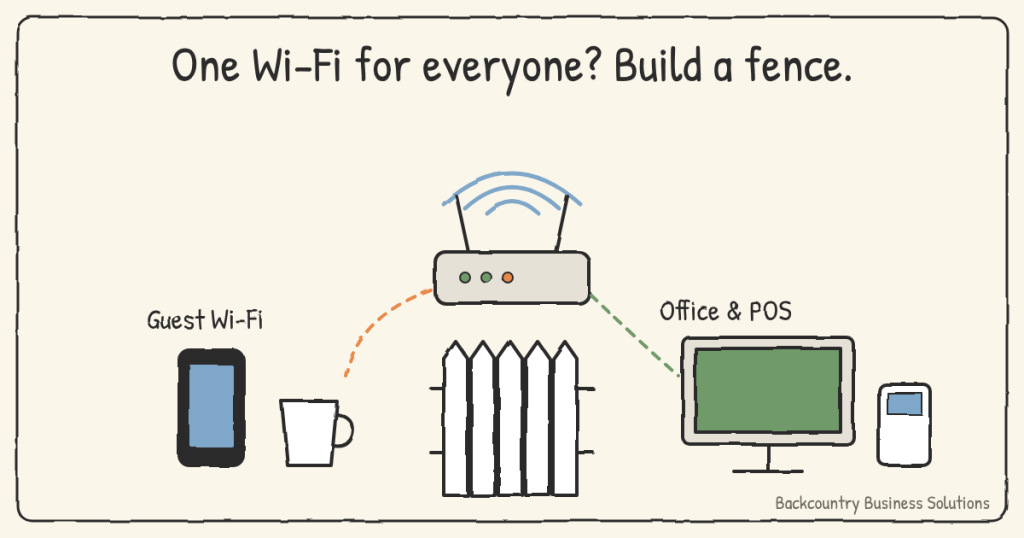
Modern business networking equipment lets you split one physical network into separate virtual networks (techies call them VLANs). Think of it as a fence down the middle of the yard:
- Guest side: internet access only. Guests can browse, stream, and check email, but can’t see anything else.
- Office side: staff computers, printers, and file storage.
- Payments and cameras: often best on their own separate segments, too.
For the equipment that runs the network itself (switches, access points, and the like), we go a step further and put management on its own isolated network that isn’t reachable from the internet or from guest devices at all.
Other easy wins
- Use a separate password for guest Wi-Fi, and change it periodically.
- Turn on “client isolation” so guest devices can’t talk to each other.
- Set reasonable bandwidth limits so guests can’t slow down your business connection.
- Never share the office Wi-Fi password with visitors “just this once.”
A quick self-check
Connect your phone to your guest Wi-Fi and see whether you can find your office printer. If you can, the fence isn’t up yet.
Backcountry Business Solutions provides managed IT for small businesses and nonprofits across Central Idaho, with discounted rates for nonprofits. If you’d like a second set of eyes on any of this, give us a call.
Related service: Internet Connectivity