Every few weeks someone asks me which is better: iPhone or Android, Mac or PC. My honest answer is usually “yes.” Then I ask a better question: do you need it, or do you just like it?
Those are two different conversations. Mixing them up is how small businesses end up spending too much, or not enough, on the wrong thing.
Snap-on vs. Harbor Freight
Walk into one shop and you’ll find a mechanic with a Snap-on toolbox that cost more than his first truck. Walk into the next and you’ll find someone doing the same work with Harbor Freight wrenches and zero regrets. Both cars leave fixed.
The Snap-on guy will tell you about the lifetime warranty, how the ratchet feels in his hand, and the tool truck that stops by every Tuesday. The Harbor Freight guy will tell you he bought three full sets for the price of one ratchet and doesn’t cry when a socket rolls under the lift. Neither of them is wrong. That’s preference.
But some jobs call for one specific tool: a dealer scan tool, a calibrated torque wrench, a puller that only fits one model. At that point it doesn’t matter what brand is in your box. You need that tool. That’s a requirement.
Technology works the same way.
Equal-opportunity roasting
Before anyone fires off an angry email, everybody gets a turn.
Windows: Runs nearly everything, which is great. It also installs updates right before your big presentation, which is less great. It’s the Harbor Freight of operating systems: everywhere, affordable, and every so often a wheel falls off the cart.
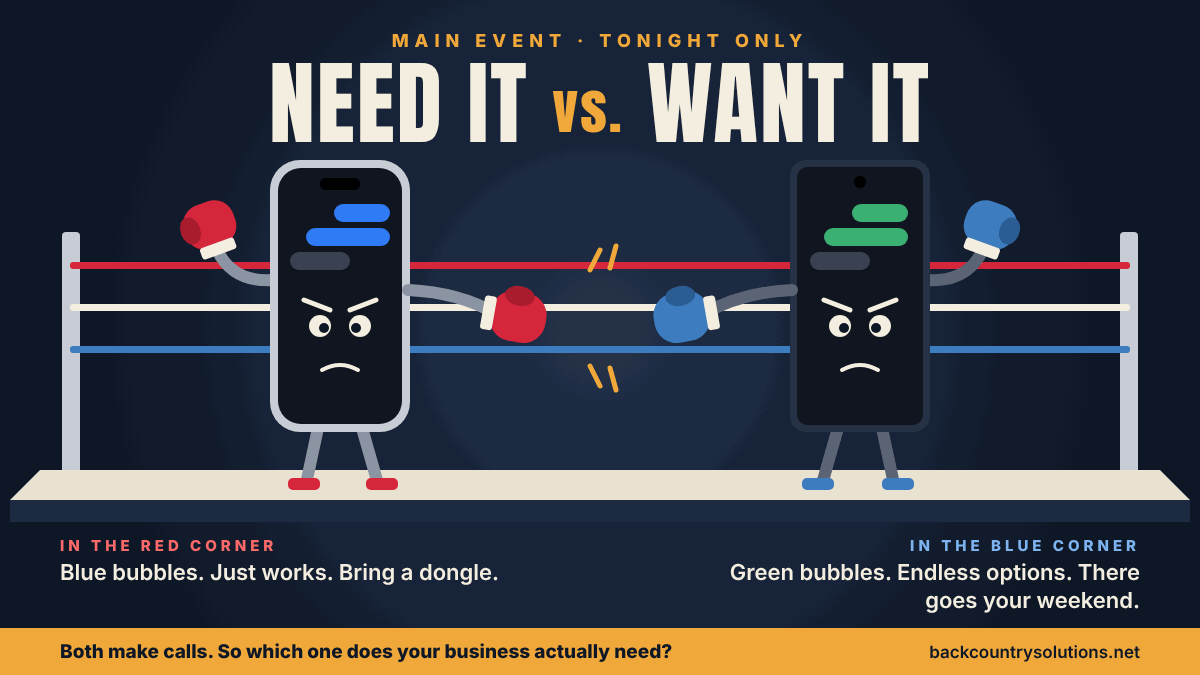
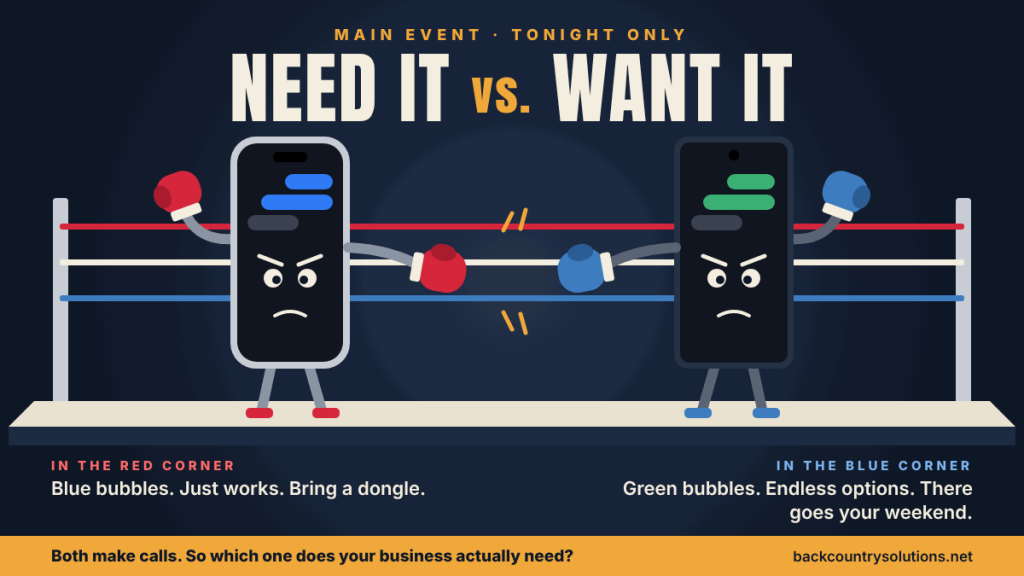
Mac: Beautiful, quiet, and “just works,” right up until you need to plug something in. Then you need a dongle. Then a dongle for the dongle. Mac owners will explain that this is fine, usually while holding the dongle.
Linux: Free, rock solid, and runs most of the servers on the internet. It’s also the only system where “it works” can mean “it works after I recompiled something at 2 a.m.” Ask three Linux users which version you should run and you’ll get four answers.
iPhone: Simple, secure, and gets along great with everything Apple makes. It’s less friendly with everything Apple doesn’t make, and your group chat still has opinions about green bubbles.
Android: Endless choice, great value, and you can customize everything. You can also lose a whole weekend customizing everything. Each manufacturer adds its own apps on top, and nobody asked for most of them.
Every one of these is a good platform. Every one of them is also annoying. If the main reason you’re picking one is that the others annoy you, you’re choosing on preference.
When it’s a requirement
Here’s what that looks like for small businesses and nonprofits:
- Your accounting, practice management, or industry software only runs on Windows.
- Your designer’s workflow depends on apps that only run on a Mac.
- Your point-of-sale system, label printer, or scanner only has drivers for one platform.
- A server or appliance was built to run on Linux.
- An insurance, compliance, or grant requirement dictates encryption, device management, or a specific vendor.
- Staff phones need to work with the device management your business already uses.
In these cases the debate is over. Buy the tool the job requires and move on.
When it’s a preference
Most small business work now happens in a web browser: email, Microsoft 365 or Google Workspace, QuickBooks Online, scheduling, your CRM. All of that runs on almost anything. When the work lives in the browser, the device is mostly a preference.
Preference isn’t a dirty word. If your office manager is twice as fast on a Mac, that’s real productivity. If your whole team already knows Android, switching them costs training time and patience. Comfort has a dollar value. Just call it what it is.
Getting it backwards gets expensive
Treat a preference like a requirement and you spend Snap-on money on a Harbor Freight job. Treat a requirement like a preference and it’s worse: you save $300 on a laptop, then find out your accounting software won’t install. Now you’re buying the computer twice.
Three questions before you buy
- What software, hardware, or vendor does this job depend on, and what does it run on?
- Is there a security, compliance, or management requirement involved?
- If the answers above are “nothing” and “no,” what will the people using it be happiest and fastest on?
If question one or two has a real answer, that’s your requirement. If not, enjoy your preference.
The bottom line
Use the tool the job requires. When the job doesn’t care, use the tool you like. And if you’re not sure which situation you’re in, that’s what your IT person is for. We’ll give you an honest answer, even if that answer is “yes.”